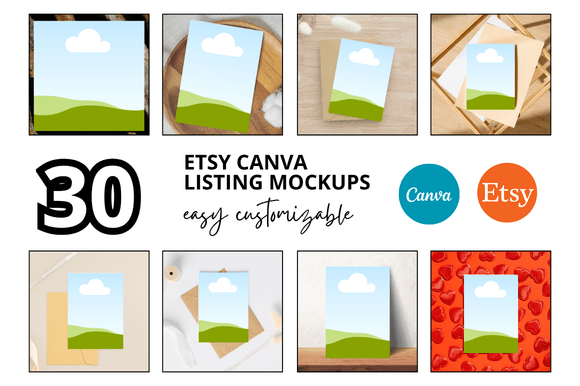
30 Paper Etsy Mockups Templates
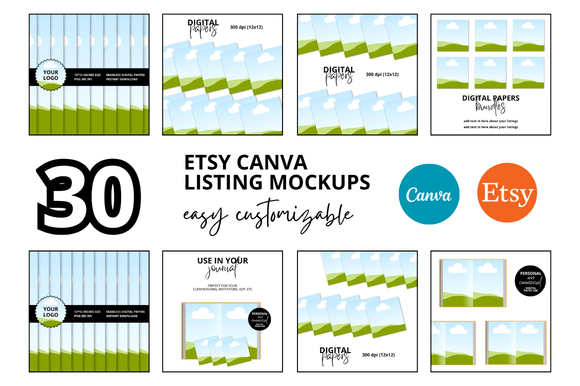
If you sell printable planners, journal pages, habit trackers, or paper-based digital products on Etsy — and you’ve ever spent 45 minutes staging a photo of your design on a notebook just to get one decent listing image — then 30 Paper Etsy Mockups Templates is built for moments like that.
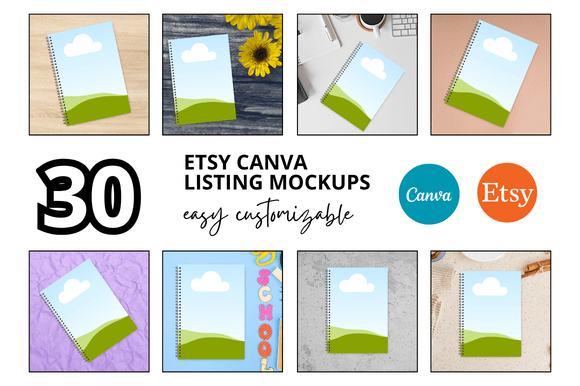
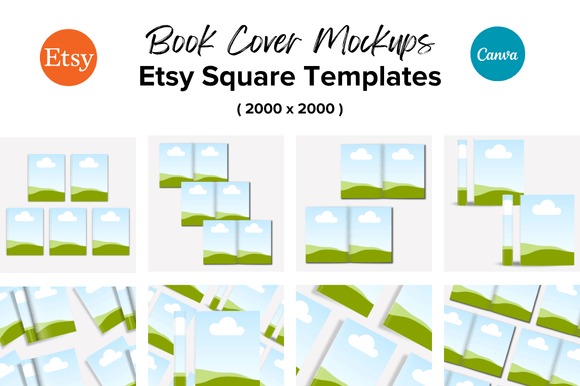
It’s not another generic mockup pack with blurry shadows or mismatched paper textures. These are thoughtfully crafted, high-resolution, customizable templates designed specifically for paper-style digital products: lined notebooks, kraft journals, spiral-bound planners, tear-off pads, sticky notes, printable wall art on framed canvas, and even desk setups with coffee mugs and pens. Each one works seamlessly in Canva — no Photoshop skills needed — and every file includes clear instructions for swapping your design into the smart layer.
When You’re Launching — Not Just Listing
Imagine it’s Tuesday night. You’ve just finished your third printable budget planner. You’re excited — but also tired. Your Etsy shop has six listings, all with flat white-background screenshots. You know those don’t convert well. You open Pinterest and see top-performing listings: soft lighting, realistic notebook spines, subtle texture overlays, lifestyle context. You *want* that — but not if it means hiring a designer or wrestling with layers in an unfamiliar app.
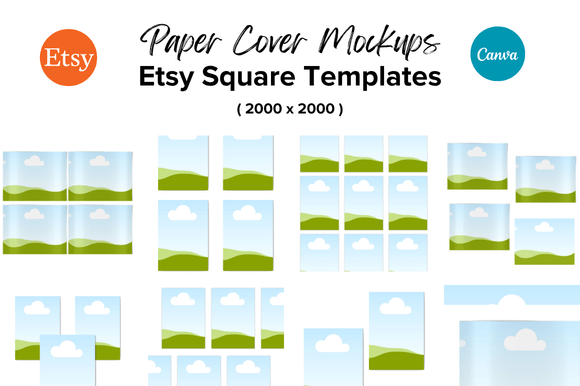
That’s where 30 Paper Etsy Mockups Templates steps in. You drop your PDF or PNG straight into Canva, adjust the crop, tweak the brightness to match your brand’s warmth (or coolness), and export in under 90 seconds. No trial-and-error resizing. No guessing whether your header text fits on the journal cover. Everything is pre-aligned, proportionally accurate, and sized for Etsy’s recommended 3000×3000px listing images.
Real People, Real Use Cases
A freelance educator selling classroom behavior charts uses the “Desk Setup with Open Notebook” mockup to show how her printable fits into real teaching life — pencil cup visible, lesson plan sticky note peeking out, gentle natural light. Buyers instantly picture using it — not just owning it.
A small-batch stationery seller bundles five gratitude journal pages as a digital download. Instead of uploading five plain JPEGs, she uses five different paper mockups from the set — one showing a leather-bound journal, another a minimalist A5 notebook, a third a tear-off daily sheet pinned to a corkboard. That variety builds trust: it signals care, consistency, and professionalism.
A homeschool mom turned part-time creator designs weekly meal planners. She doesn’t have a studio or product photographer. But with the “Open Spiral Notebook on Wood Table” mockup, she adds her layout, adjusts the shadow depth to feel grounded, and pairs it with a short caption about reducing food waste. Her conversion rate jumps — because shoppers aren’t buying pixels. They’re buying a solution that looks ready to use.
More Than Just Pretty Pictures
These aren’t decorative extras. They’re functional tools that support how people actually browse and decide on Etsy:
- They speed up iteration. Test three color variations of your printable cover in under five minutes — not three hours.
- They improve mobile visibility. Clean, centered mockups scale better on small screens than cluttered lifestyle photos with unreadable details.
- They reinforce branding. Use the same paper tone, shadow style, and background across all listings — and suddenly your shop feels cohesive, not pieced together.
- They reduce decision fatigue. When you’re juggling design, writing, SEO, and customer service, having 30 reliable, on-brand visual starting points removes one mental load.
What to Keep in Mind Before You Download
This set shines brightest when your product is truly paper-adjacent: PDFs meant to be printed, bound, or used physically. If you sell SVG files for Cricut users or layered PSD templates for designers, these mockups won’t reflect your end-use as accurately — though some (like the framed wall art or clipboard mockups) still translate well.
You’ll get the most value if you already use Canva — especially Canva Pro or the free version with access to transparent PNG uploads and resize-by-ratio. The templates include Canva-ready links, but they’re not editable in Google Slides or PowerPoint without losing layer integrity.
Also worth noting: while all 30 are paper-focused, they vary in tone. Some lean rustic (kraft paper, linen texture), others modern (clean white matte, soft gray desk surfaces). Skim the preview thumbnails before downloading — not to pick “the best,” but to find the ones that align with how your ideal buyer imagines your product being used.
Bonus Freebies That Actually Help
The included bonus materials aren’t filler. There’s a Canva Brand Kit starter with preset fonts, colors, and spacing guides — useful if you’re building a consistent look across listings and social posts. There’s also a simple Etsy SEO checklist tailored for digital sellers: reminders about naming conventions, alt-text phrasing for mockup images, and how to describe texture and paper weight in titles (e.g., “Lined Printable Journal Pages – A5 PDF – Matte Paper Feel Mockup”).
And yes — everything is instant download. No waiting. No account creation beyond Etsy checkout. You get a ZIP file with organized folders: Canva links, PNG previews, usage tips PDF, and bonus files — all named clearly so you can find what you need without scrolling through 50 similarly titled files.
Who It’s For — And Who It’s Really For
On paper, it’s for Etsy sellers. But in practice, it’s for anyone who needs to show a digital file as something tangible — fast.
A blogger sharing free printables on their newsletter? Use the “Printable Wall Art on Framed Canvas” mockup to make their freebie feel premium — increasing shares and sign-ups.
A therapist offering session worksheets? Swap their logo and content into the “Minimalist Notebook on Desk” mockup — helping clients visualize using it between appointments, not just downloading it.
A university department creating student study planners? The “Academic Planner with Tab Dividers” mockup adds credibility and clarity — especially when shared via internal portals or orientation emails.
None of this requires design experience. Just the willingness to try one mockup, see how it changes the feel of your listing, and notice whether customers start asking, “Is this printed or digital?” — which means you’ve made the format invisible, and the value unmistakable.
Final Thought: It’s About Time, Not Tools
You didn’t start selling printables to become a mockup technician. You started because you had a system that worked — for your students, your clients, your family — and you wanted to share it. 30 Paper Etsy Mockups Templates protects that intention. It gives back time you’d otherwise spend tweaking opacity sliders or Googling “how to make shadow look real.” What you do with those saved hours — refining your product, writing clearer instructions, replying to a thoughtful review — that’s where your real expertise lives.
So if your next printable launch feels heavy with setup, not excitement — open that ZIP file, drop in your design, and let the mockup do the quiet work of making your digital product feel warmly, believably, beautifully real.