30 Clipart Etsy Mockup
If you’ve ever spent 45 minutes tweaking the same Etsy listing thumbnail—adjusting shadows, resizing clipart, second-guessing font pairings—only to realize it still looks flat or generic, you’re not alone. That’s exactly why the 30 Clipart Etsy Mockup bundle exists: to cut through the visual noise and give digital sellers, planners, educators, and hobbyists a fast, flexible, and professional way to showcase their work—without needing Photoshop skills or a design degree.
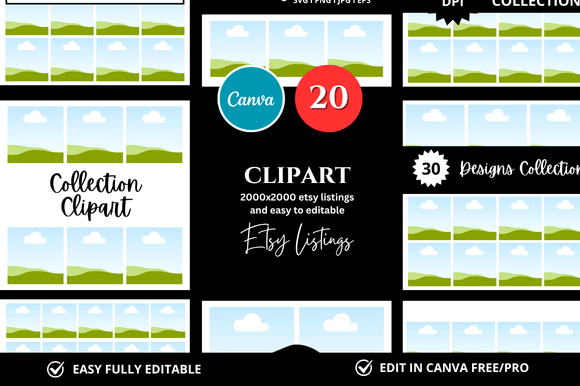
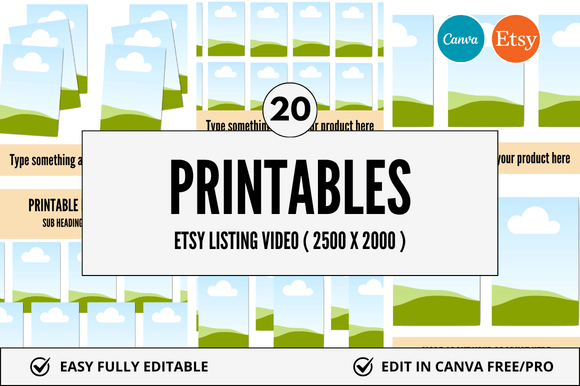
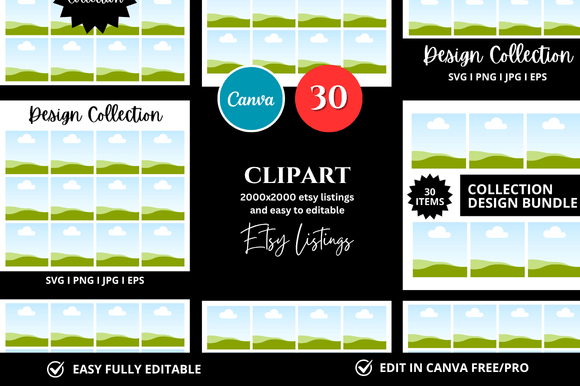
This isn’t just another set of static PNGs. It’s an instant-download Canva mockup bundle built specifically for Etsy sellers who list digital products—think printable planners, clipart sets, coloring pages, worksheets, Canva templates, or SVG bundles. Every mockup is fully customizable inside Canva (free or paid version), meaning you can swap colors, fonts, text, and even your own clipart in seconds—not hours.
Where and when this actually saves time—and sanity
You’ll reach for the 30 Clipart Etsy Mockup most often when launching something new: a fresh printable collection, a seasonal planner update, or a themed clipart pack for teachers. But its real value shows up in quieter, repeated moments—like when you’re batch-creating listings for five new journal templates before a weekend launch, or prepping social previews for Pinterest and Instagram at the same time.
One educator used these mockups to visually package her classroom behavior charts—not as plain PDFs, but as clean, inviting Canva scenes showing the chart “in use” on a student desk, with soft lighting and realistic paper texture. A freelance Canva designer used the square listing mockups to build consistent branded previews for her client’s entire Etsy shop—cutting preview creation time from 20 minutes per listing to under 90 seconds.
Who benefits—and how it fits their actual workflow
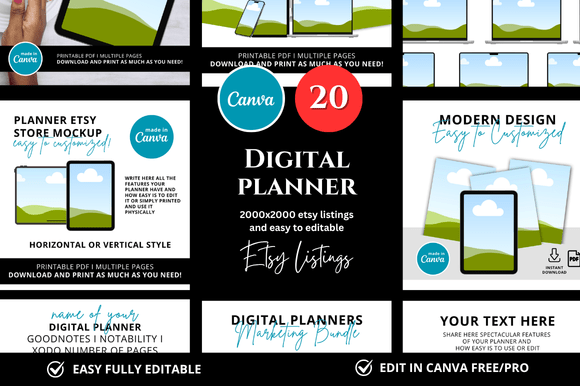
Etsy printables sellers get immediate visual credibility. Instead of uploading a cropped screenshot of a planner page, they drop that same page into a mockup showing it open on a tablet beside coffee and a notebook—subtle, relatable, trustworthy. No stock photo hunting. No awkward cropping. Just drag, drop, adjust, export.
Clipart creators use the layered Canva files to show their assets *in context*: a floral border wrapping around a wedding invitation mockup, or hand-drawn icons arranged inside a clean desktop scene. That helps buyers instantly picture how to use the set—especially important when selling to non-designers like small business owners or church volunteers.
Educators and homeschoolers building lesson kits or activity bundles use the mockups to highlight usability—not just content. A phonics worksheet looks more engaging inside a mockup showing it on a child’s lap with crayons nearby than as a bare PDF thumbnail. Parents scrolling Etsy notice that difference, even if they can’t name why.
Freelancers and agencies building Etsy shops for clients love the consistency. One designer told us she uses the same banner + listing + cover combo across all client shops—so even though each shop sells different products (planners vs. SVGs vs. Canva templates), the visual tone stays cohesive and polished. That builds client confidence without reinventing the wheel every time.
Realistic things to consider before downloading
These are Canva-based mockups—not Adobe Photoshop or Figma files—so if your workflow lives entirely outside Canva, double-check compatibility. All templates open directly in Canva via the included link, and most elements (text boxes, color swatches, image placeholders) are unlocked and editable. But keep in mind: some subtle textures or shadows are baked into the background layers for realism—so while you *can* change everything, swapping out complex lighting effects may require light layer adjustments.
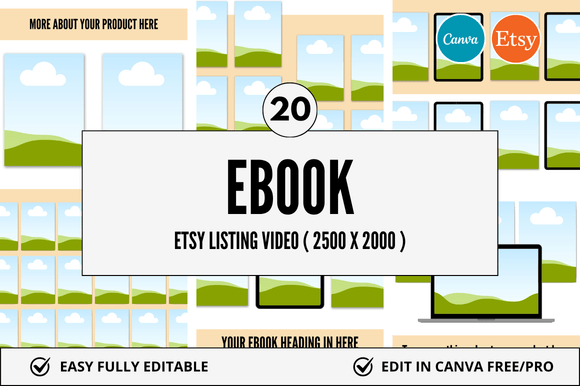
The bundle includes square-format mockups optimized for Etsy’s current listing grid view—so your thumbnails hold attention without being cropped oddly. You’ll also find banner-ready versions sized for Etsy shop headers (1200 × 300 px), plus cover options for your shop’s “About” or “FAQ” sections. No guesswork. No resizing headaches.
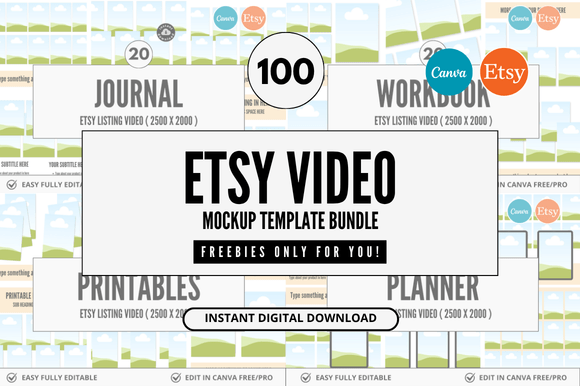
And yes—the “bonus freebies” aren’t filler. They include a quick-start Canva guide (with screenshots), a color palette cheat sheet for warm/cool printable-friendly tones, and three extra mini-mockups designed specifically for Canva link previews—so when someone clicks your “view on Canva” button, the preview image looks intentional, not accidental.
How it connects to what people actually care about
Selling digital products online isn’t just about having great content—it’s about reducing friction between “I saw this” and “I bought this.” A strong mockup does that quietly: it answers unspoken questions. Does this fit my style? Will it print clearly? Can I edit it myself? Does it look like something made by someone who knows what they’re doing?
The 30 Clipart Etsy Mockup doesn’t promise viral sales or overnight traffic. What it delivers is reliability—consistent quality, predictable results, and the mental space to focus on what matters most: creating better products, writing clearer descriptions, or connecting with your audience instead of wrestling with alignment guides.
It’s the kind of tool that fades into the background once you start using it—until you try to go back to old methods and realize how much time, energy, and visual clarity you’d been leaking without noticing.
Small choices that add up
You don’t need all 30 mockups at once. Start with the ones matching your next 2–3 listings: maybe the laptop + notebook scene for a new planner, the phone mockup for a habit tracker, and the banner template for your shop header. Use them. Tweak them. See what resonates with your buyers. Then expand.
And remember—the goal isn’t perfection. It’s progress that compounds: faster uploads, clearer messaging, more confident branding, and less time spent on visuals so you can spend more time on what only you can do.
If you’re listing digital products on Etsy—or planning to—and you want to present them with intention, not inertia, the 30 Clipart Etsy Mockup is less of a “nice-to-have” and more of a quiet, practical upgrade to how you show up online.